Reproducible meta-analysis
Run a complete meta-analysis in your browser.
From raw data to forest plot to GRADE summary, with the exact R code behind every step.
A blank workspace to a defensible report, in four moves.
-
Plan
Frame your review first: the question, the studies you'll include, and the analyses you intend to run.
-
Import
Upload a CSV or Excel workbook, or load a bundled example. MetaProc detects headers and flags duplicate or out-of-range studies as you go.
-
Analyze
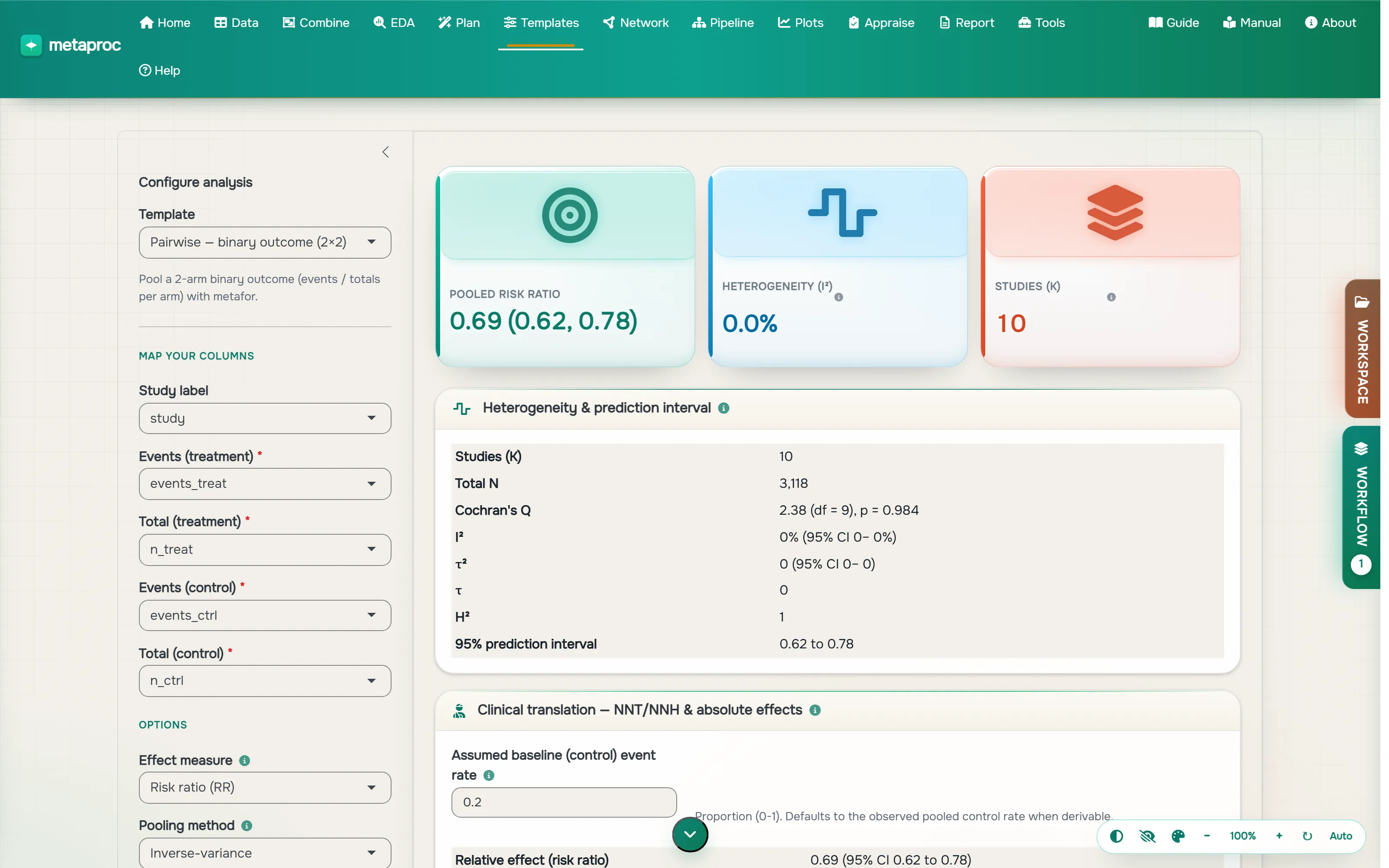
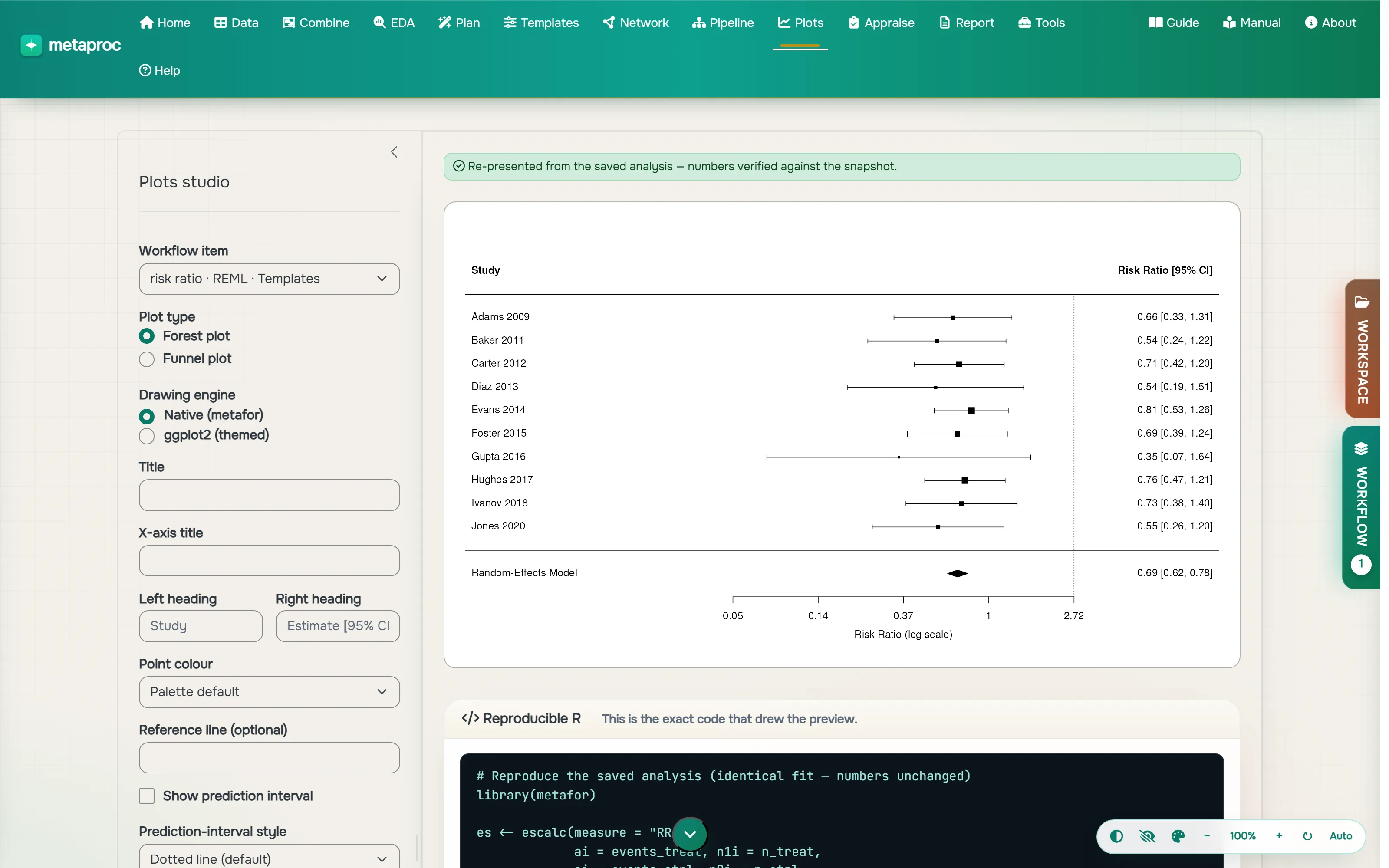
Choose a template, map your columns, and run. Forest and funnel plots, heterogeneity, subgroups, and sensitivity analyses appear instantly.
-
Report
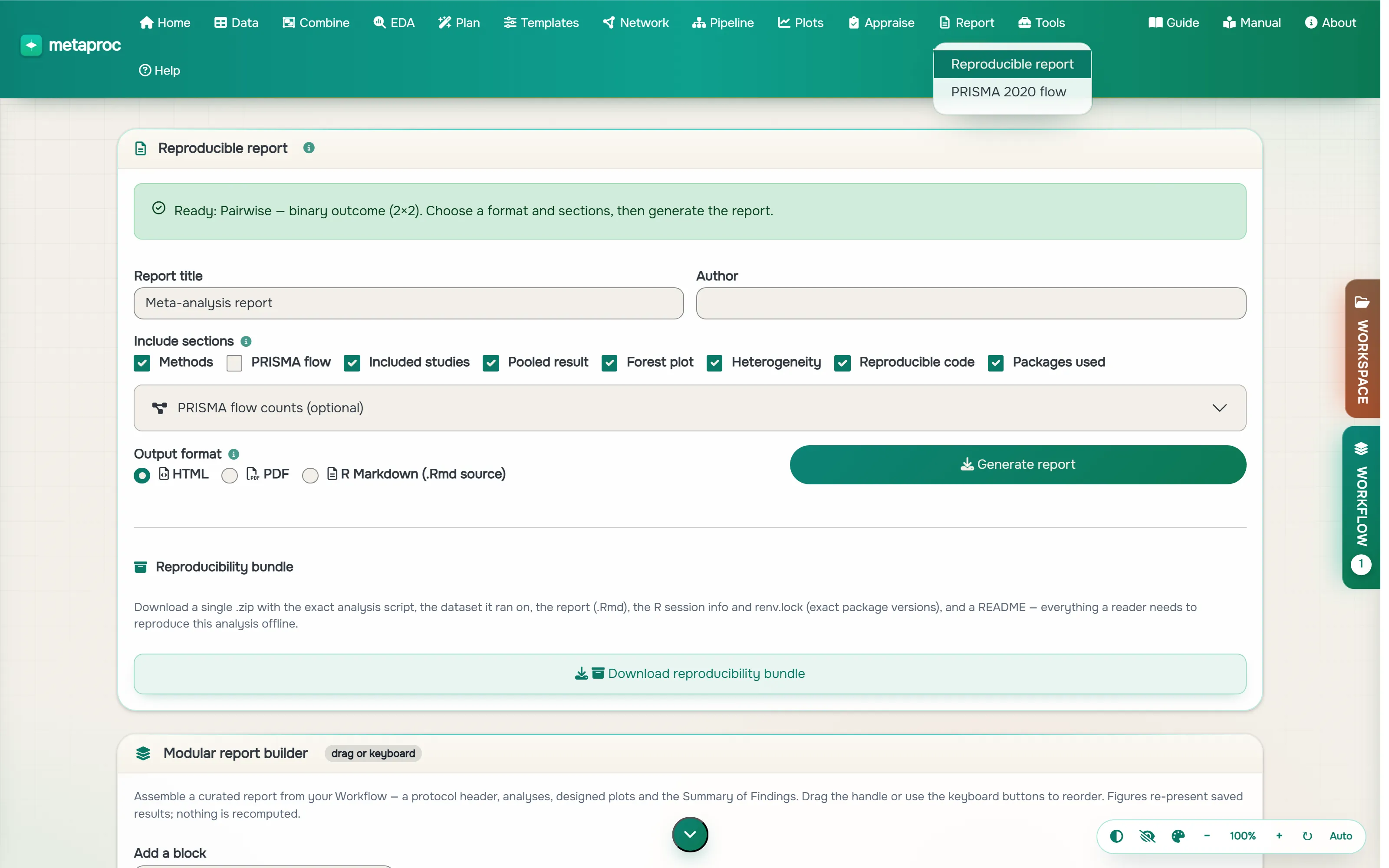
Build a reproducible report with a GRADE summary, then export a bundle that re-runs in a clean R session and reproduces your pooled estimate.
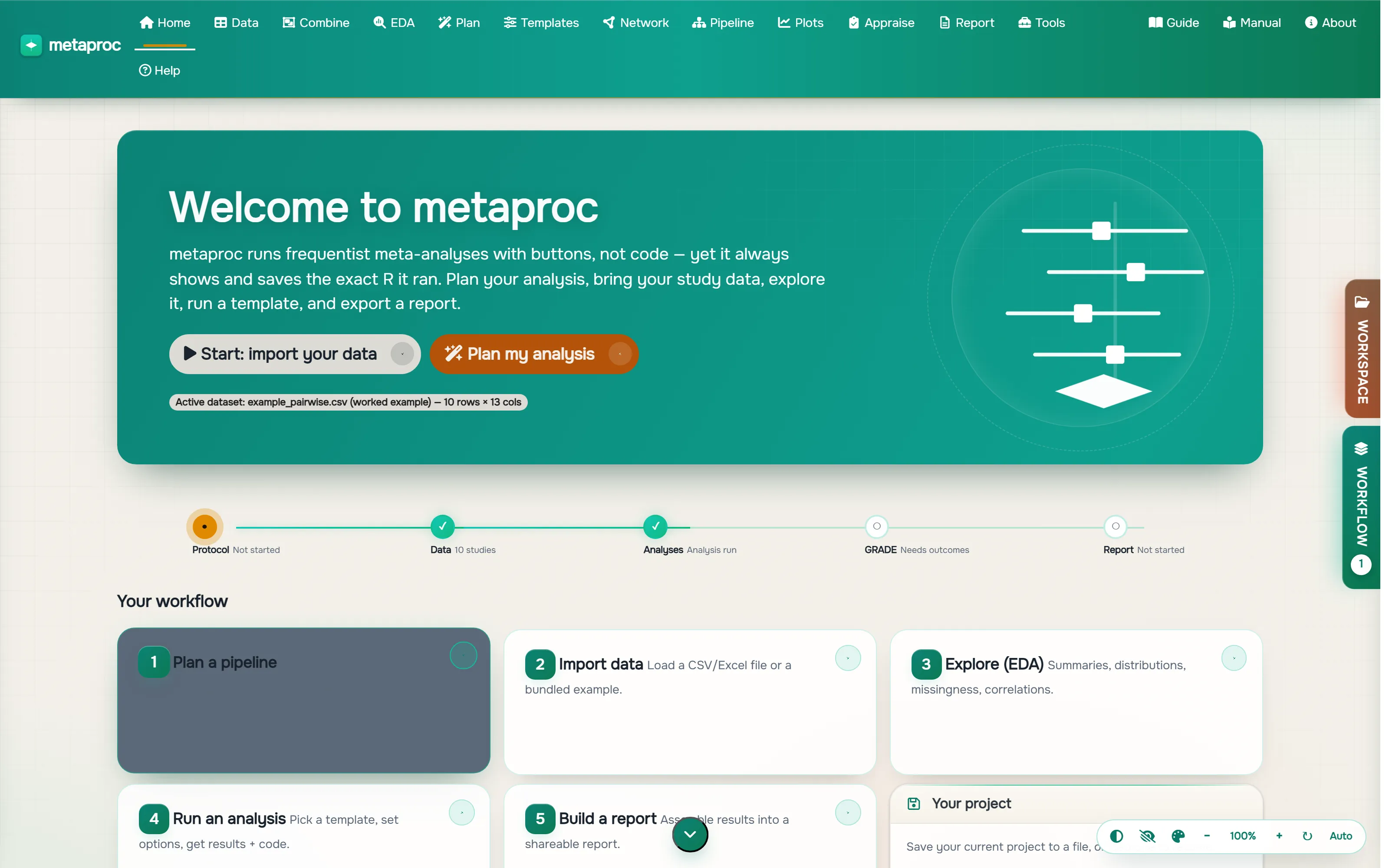
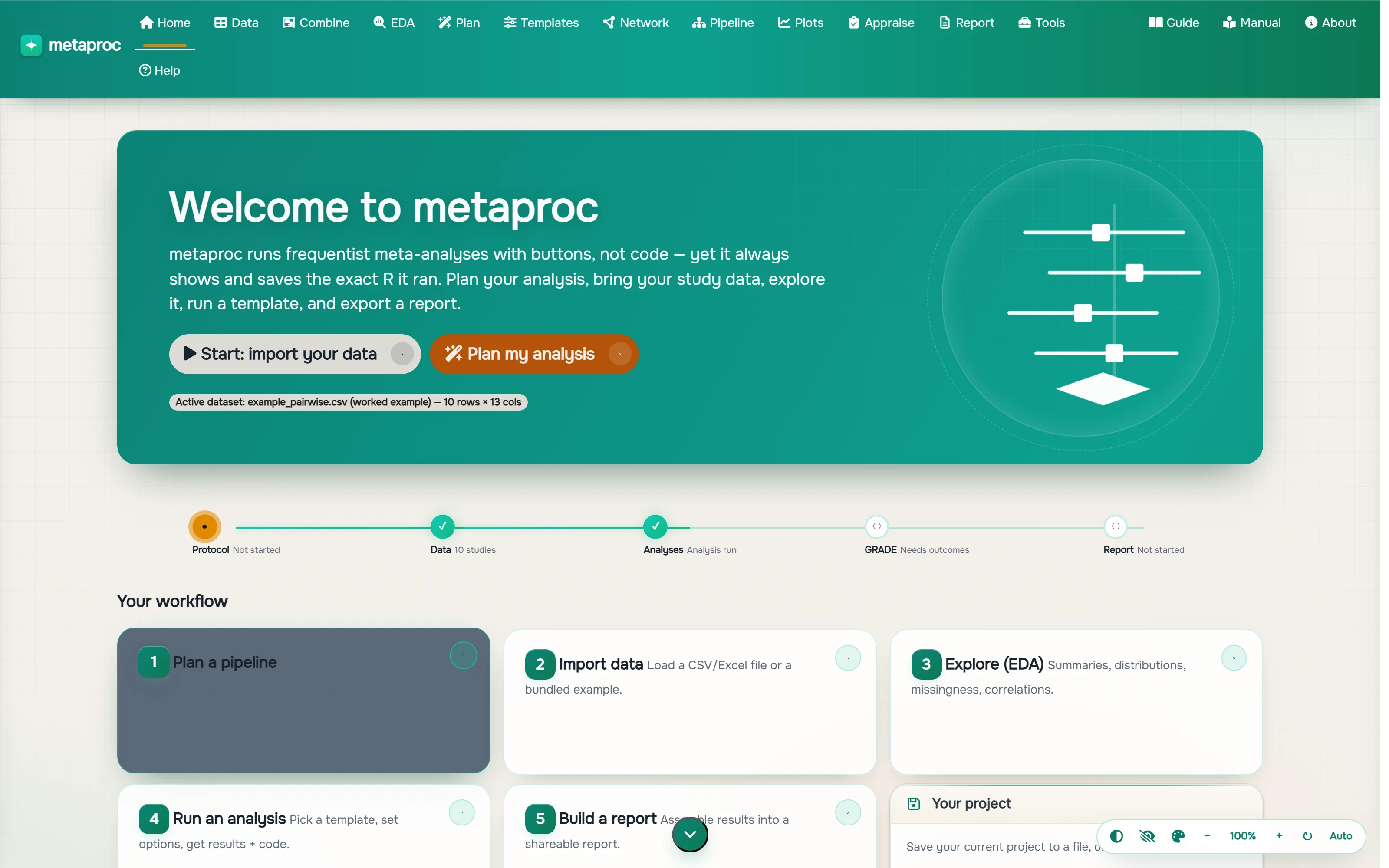
A workspace built around the code it runs.
Four corners of MetaProc. Each result carries the exact R that produced it.
Validated, not improvised
Methods you can defend
MetaProc drives the same gold-standard R engines the field already trusts, and it is golden-tested against them: 2,600+ automated tests check that every result matches the reference engine, byte for byte.
How we validate- metaforpooling and diagnostics
- netmetanetwork meta-analysis
- metareference dependency
- robvisrisk-of-bias figures
- esceffect-size conversions
Frequently asked
Is it free?
Free while in beta. We will give plenty of notice and a fair offer before anything changes.
Is my data private?
Analyses run in ephemeral, RAM-backed isolated containers hosted in the EU and destroyed at the end of your session. Work on the aggregate, study-level data a meta-analysis needs, not patient-level records.
Can I see the code my analysis ran?
Yes, that is the whole point. Every model, table, and figure is produced by building R code from your choices, running that exact code, and showing you the same text in a copyable panel. What you see is what ran.
Your next meta-analysis starts in the browser.
No install, no setup. Free while in beta.
Launch MetaProc free